macOS menubar app

Every brokerage, one number.

Your net worth and per-account breakdown across every brokerage you've linked in SnapTrade — sitting in your menubar, updating on its own.

  • Read-only
  • Tokens in your Keychain
  • No server, no telemetry
  • macOS 14+
brew install --cask chang-07/tap/sylvester
Net worthupdated 2 mins ago
$4,512.80
▲ $18.94 (0.42%) today
AccountsAllocationTrendActivity
Wealthsimple$3.1k
TFSAlive · synced 4m ago$2,190.44
RRSPlive · synced 4m ago$908.12
Questrade$1.4k
Marginlive · synced 11m ago$1,414.24

What it does

One place for accounts that otherwise live in four different apps, each of which can only ever show you its own slice.

Net worth at a glance

The total lives in your menubar with today's change beside it, in your base currency, converted at live FX rates.

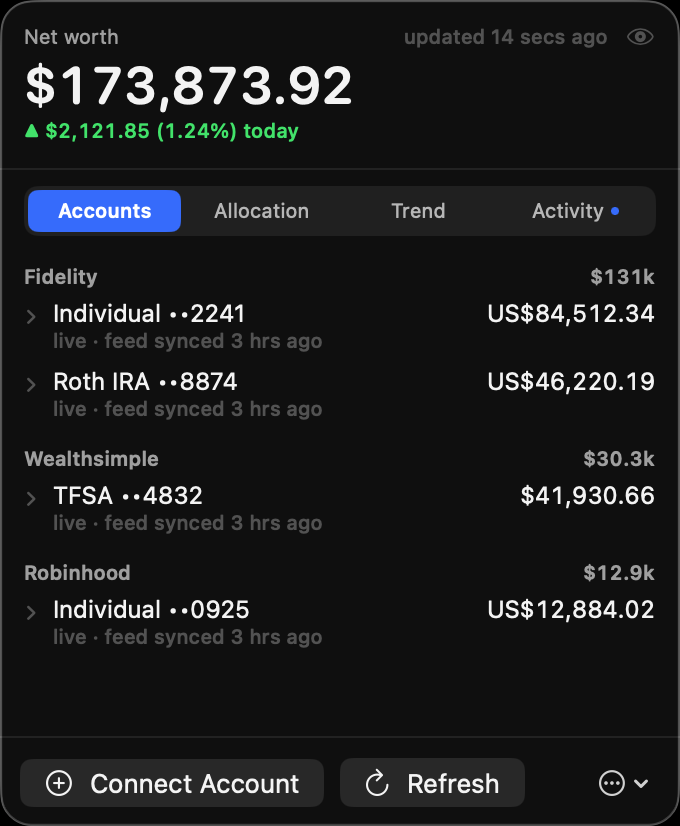
Every account, grouped

Balances by institution, expandable into individual holdings with quantities, prices, day change and open P&L.

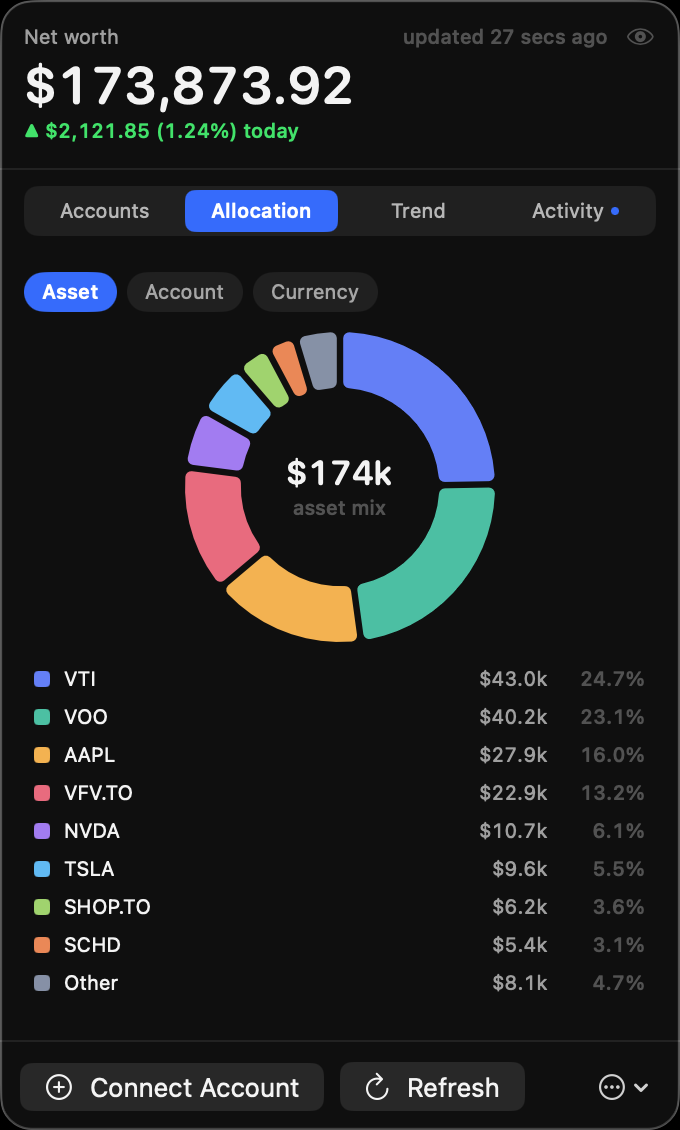
Real allocation

A donut across all your accounts at once, by asset, account or currency — the view no single brokerage can give you.

Net worth over time

1D through 1Y, with a second dashed line showing growth excluding your own deposits and withdrawals.

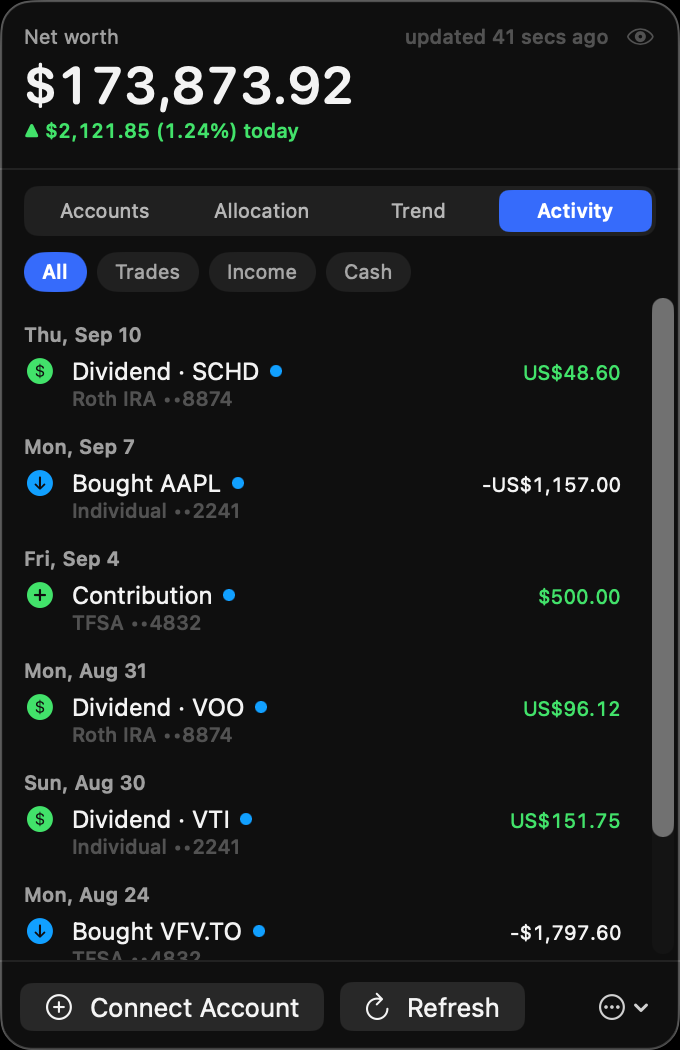
Activity and alerts

Dividends, trades and deposits as they land — quietly. A connection breaking gets a sound and a one-click Reconnect.

Privacy mode

Blank every figure with one click, so you can screen-share or screenshot without redacting anything by hand.

It cannot move your money

That's not a policy — it's the shape of the connection. Worth being precise about, because you're linking brokerage accounts to something you found on the internet.

  • Read-only by construction. Sign-in uses OAuth2 with PKCE, scoped to read. Placing a trade or moving money isn't something it declines to do — it's something the token can't authorize.
  • There is no Sylvester server. Your Mac talks to SnapTrade directly — sign-in included. Nothing is relayed through, logged by, or stored on infrastructure belonging to this app, because none exists.
  • Tokens live in your Keychain. Never written to disk in plaintext, never in the config file, never transmitted anywhere but SnapTrade.
  • No analytics of any kind. No crash reporting, no usage pings, no accounts. Net-worth history is a JSON file in ~/.config/sylvester that only you ever read.
  • The source is right there. Every claim above is checkable in a few thousand lines of Swift rather than taken on trust.

Install

Requires macOS 14 (Sonoma) or later on Apple Silicon, and a free SnapTrade account.

Install it. Via Homebrew, or grab the .dmg from Releases and drag it to Applications.
brew install --cask chang-07/tap/sylvester
Clear the quarantine flag. Sylvester is ad-hoc signed rather than notarized, so macOS blocks it once on first open.
xattr -dr com.apple.quarantine /Applications/Sylvester.app
Sign in. Click the menubar icon and follow the four-step setup. Your browser opens to approve read access — there's no key to copy or paste.
Link a brokerage. The SnapTrade portal opens; your accounts appear as soon as the connection lands.

Coming from SnapBar? Sylvester is the same app, renamed. Your connection, preferences and net-worth history carry over on first launch — macOS asks once for Keychain access, and your old data is copied rather than moved.